
Client Portal · Abidon CRM
See your project progress, without having to ask.
Anyone with works under way spends the day wondering: where have they got to, how much is left to pay, what was done today. Those answers sit on your Client Portal in Abidon CRM, our own platform, with your own login, on your phone or computer — the status of the works, photographs by room, the payment schedule and the documents, recorded by the team that is on site.
01 — Client Portal
The Client Portal: your project on your phone and computer
A building site moves on every day, and you cannot always be there to see it. On the portal you find what the team records on site: the phase the works have reached, photographs of each room, the programme, the payments and the documents.
Abidon CRM is the platform the team uses on site, and it is shared with you. So you need not ring to ask which phase the works are in, how much is left to pay or where a document is: it is all on your portal, kept up to date by the site team.
-
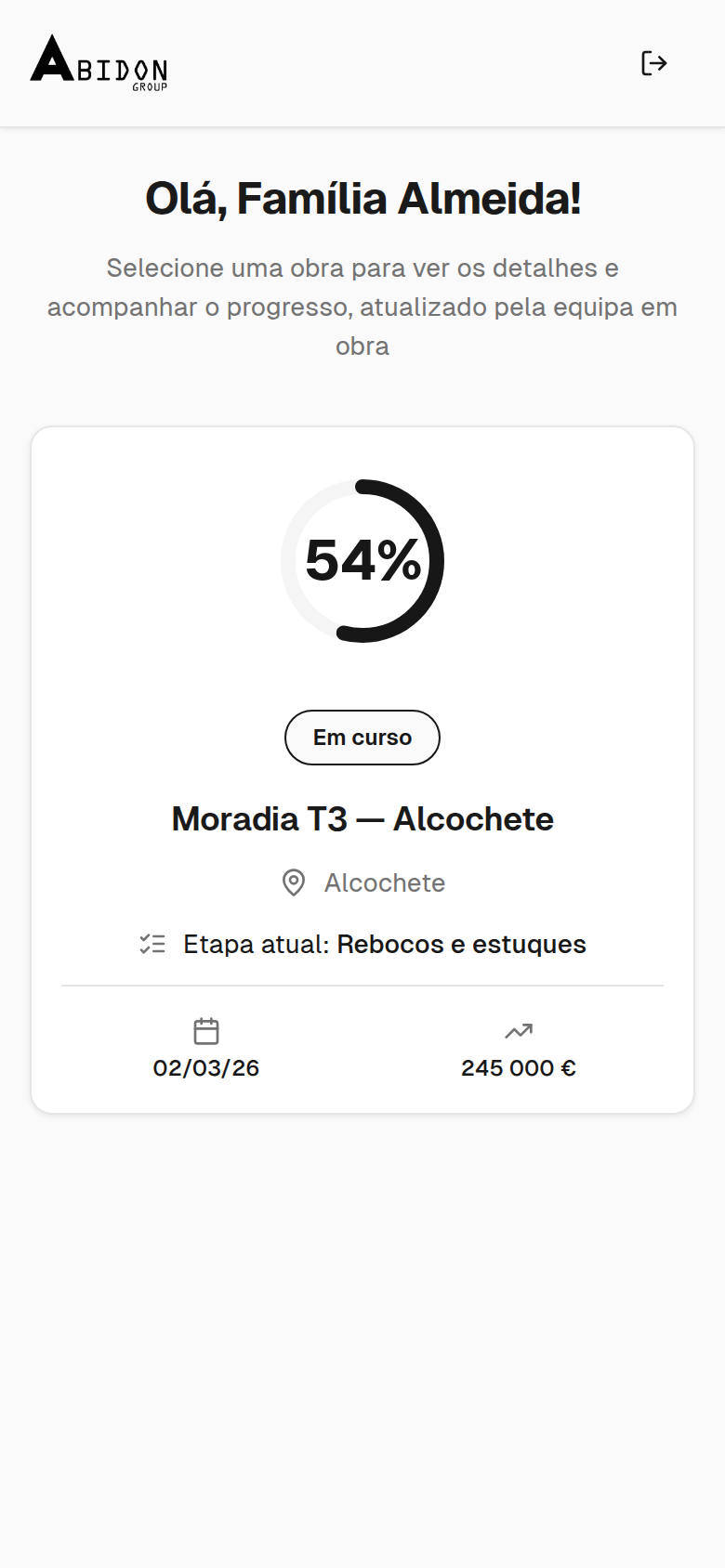
Projects overview
-
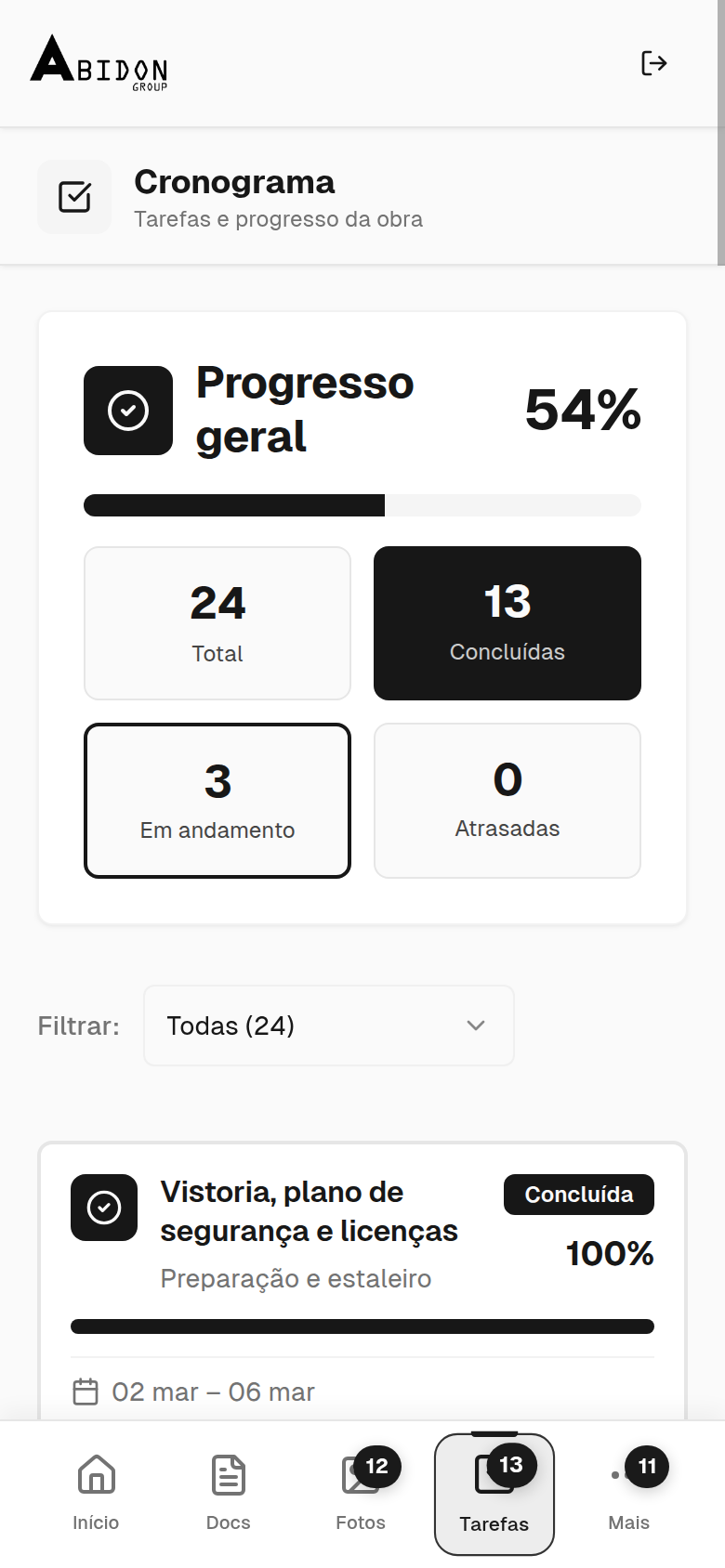
Programme, measured task by task
-
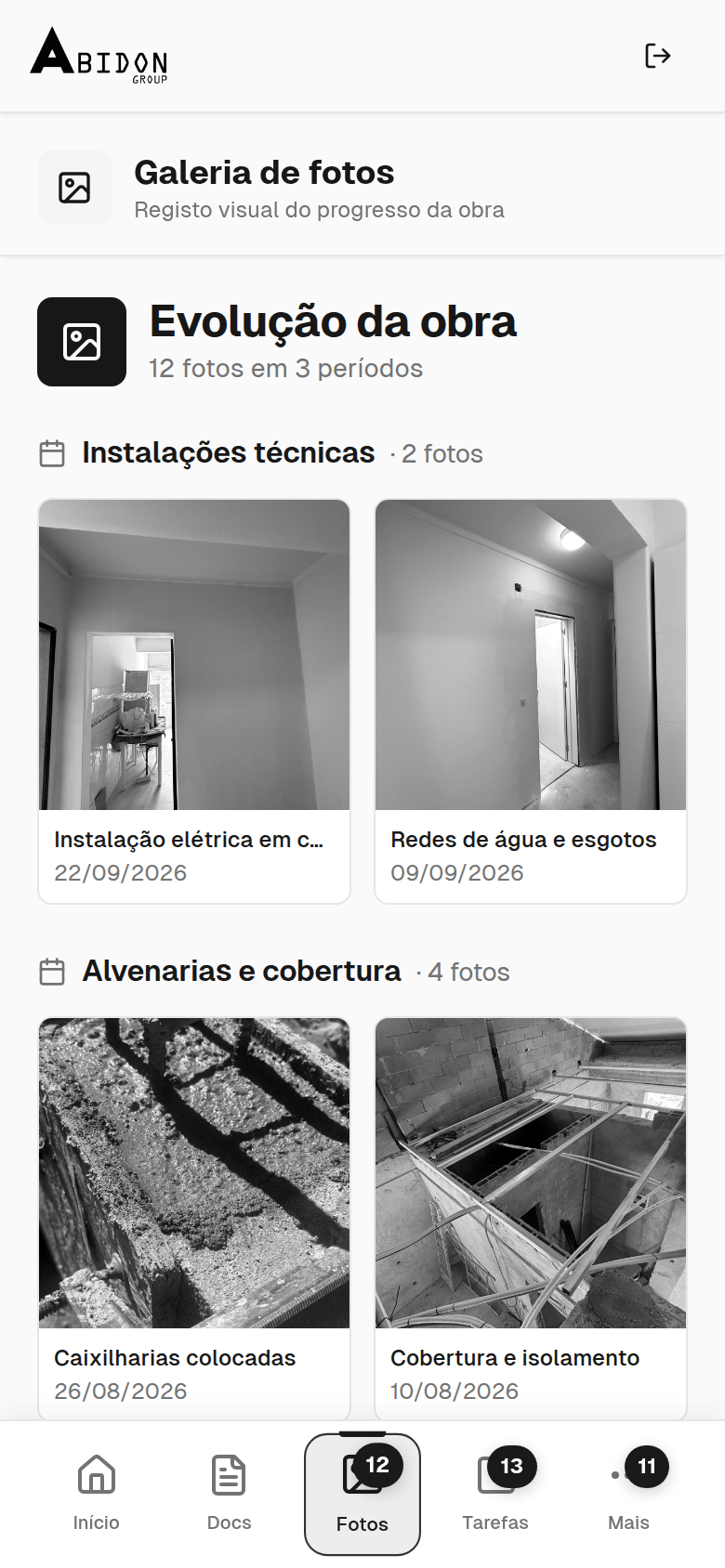
Photographs by room
02 — What the portal shows
Five areas, one question each.
Each area answers a question you will want answered during the works: which phase have we reached, how is it looking, how much is left to pay, which materials have arrived, and how do I reach the team?
-
Which phase are the works in?
- My projects: your projects, each with its status and progress.
- Project summary: overall progress, days remaining and the current phase.
- Programme: the tasks in each phase, each marked pending, in progress, completed or delayed, plus the overall progress.
- Week-by-week record and updates: the latest news from the works, week by week.
-
How is it looking?
- Photographs by room: a gallery organised room by room.
- 360° photographs: a virtual walk through the rooms.
- Time-lapse: the progress of the works, played back as a short film.
- Interactive floor plan: the floor plan, linked to the photographs of each room.
-
How much is left to pay?
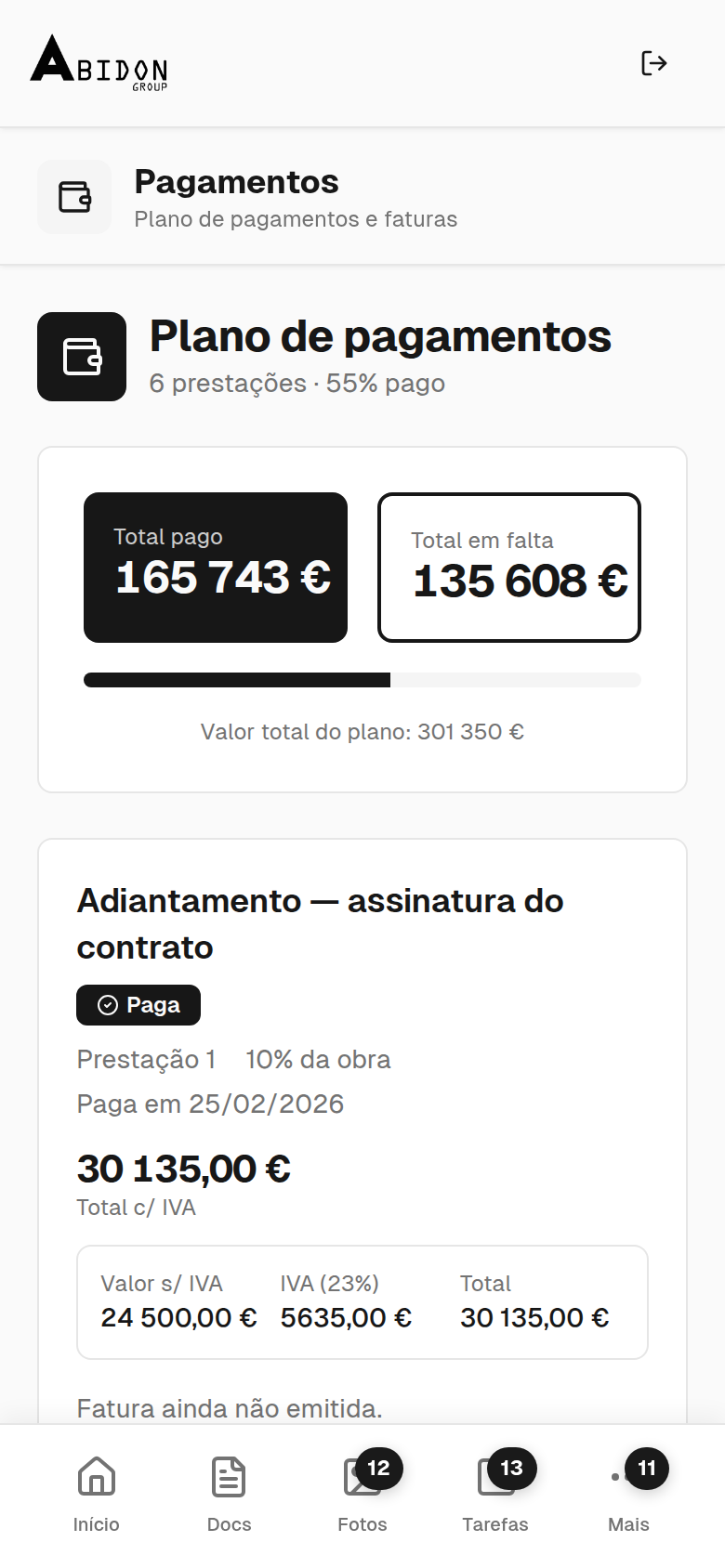
- Payment schedule: each instalment with the value of the works, VAT shown separately and the total payable.
- The status of each instalment, each with a document to download.
- Your project documents, with a filter to find what you need.
-
Which materials have arrived?
- List of materials for the works, with the status of each: pending, received or urgent.
- Product instructions for the materials.
-
How do I reach the team?
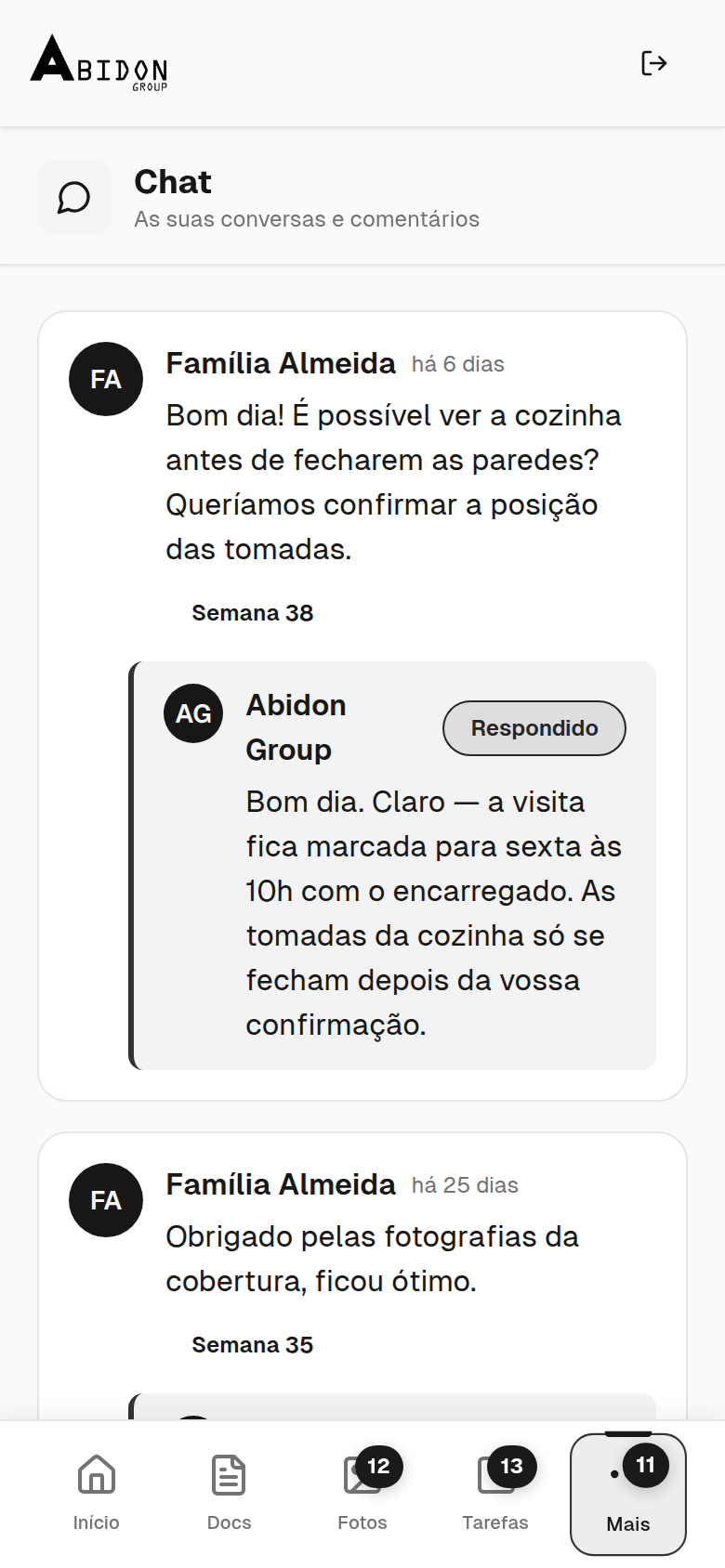
- Comment thread with the team, answered by us.
- A form for reporting a defect or raising a request. All in writing, all in one place.
03 — Access
How you get your login
-
We invite you
We set up your login and send you an invitation.
-
Your own login, over a secure connection
You sign in with your own login, over a secure connection, and see your projects and nothing else.
-
On your phone or computer
The portal opens in your browser. On your phone you can add it to your home screen, or add a shortcut.
Already a client but still without your login? Email geral@abidongroup.com.
-
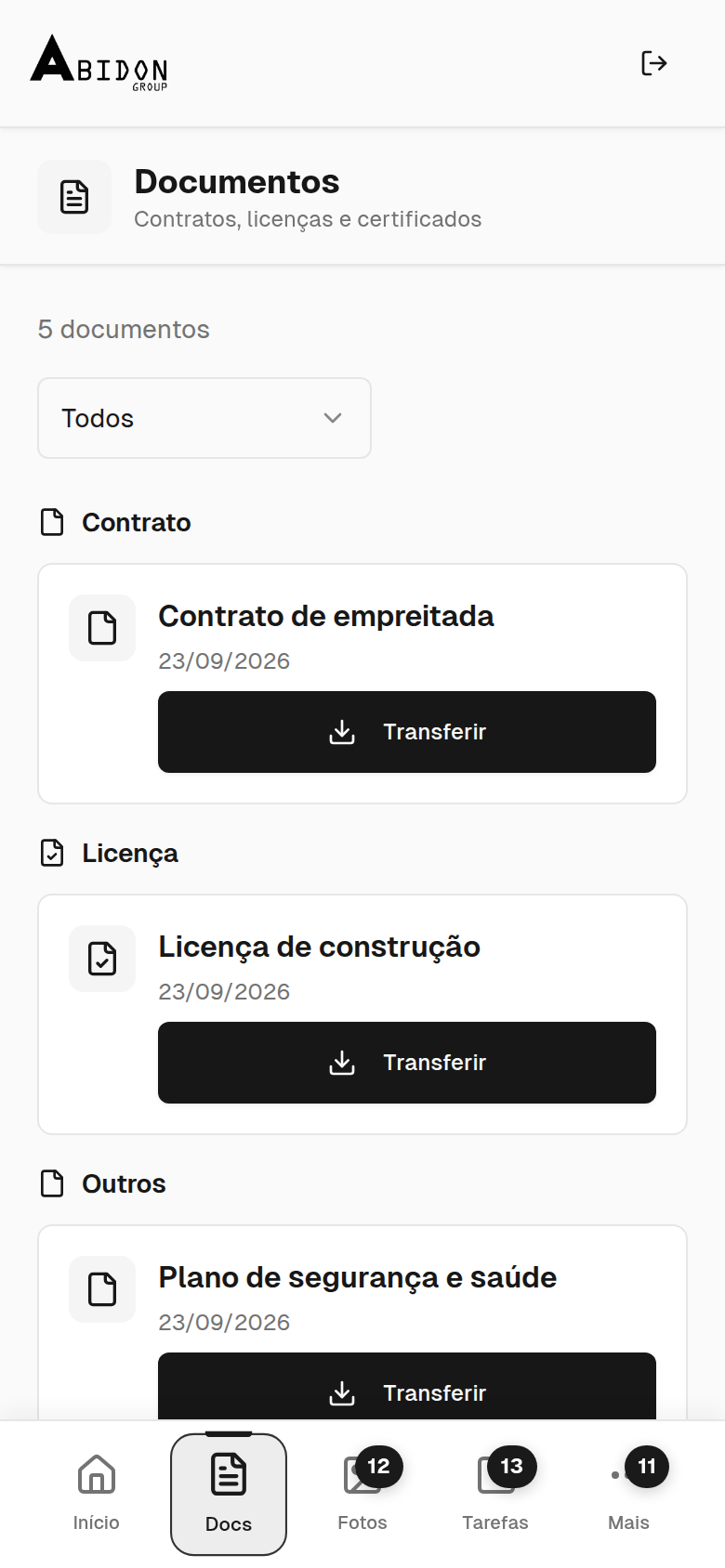
Documents
-
Payments
-
Comments
04 — Team
Behind the portal: what the team records on site
What you see on the portal is the visible part of a method the team follows every day in Abidon CRM:
- We write the daily site report, with photographs and attendance
- We record expenses and invoices, each one verified through the tax authority’s (Autoridade Tributária) QR code
- We measure the programme: the real progress of each task set against the plan
- We communicate within the site team on the same platform
- We survey the existing building digitally (a LiDAR laser scan) and prepare the floor plans
- We keep the site safety checks and the team’s documents
Contact
Want to follow your own project this way?
Tell us where the works are and what you want to do. Where a visit would help, we arrange one at no cost, and we reply with a written proposal itemised by section.
Site visit and written proposal at no cost. With or without a design.
IMPIC licence no. 116724-PAR · Written contract · Livro de Reclamações